July 22nd, 2026

This release improves the reliability of mesh management, material assignment, load configuration, and simulation diagnostics. Several workflow enhancements have been introduced to make model setup more intuitive while providing better feedback during simulation.
Fixed the 2D material assignment workflow by automatically recognizing and assigning materials to the highest-dimensional groups within the imported mesh.
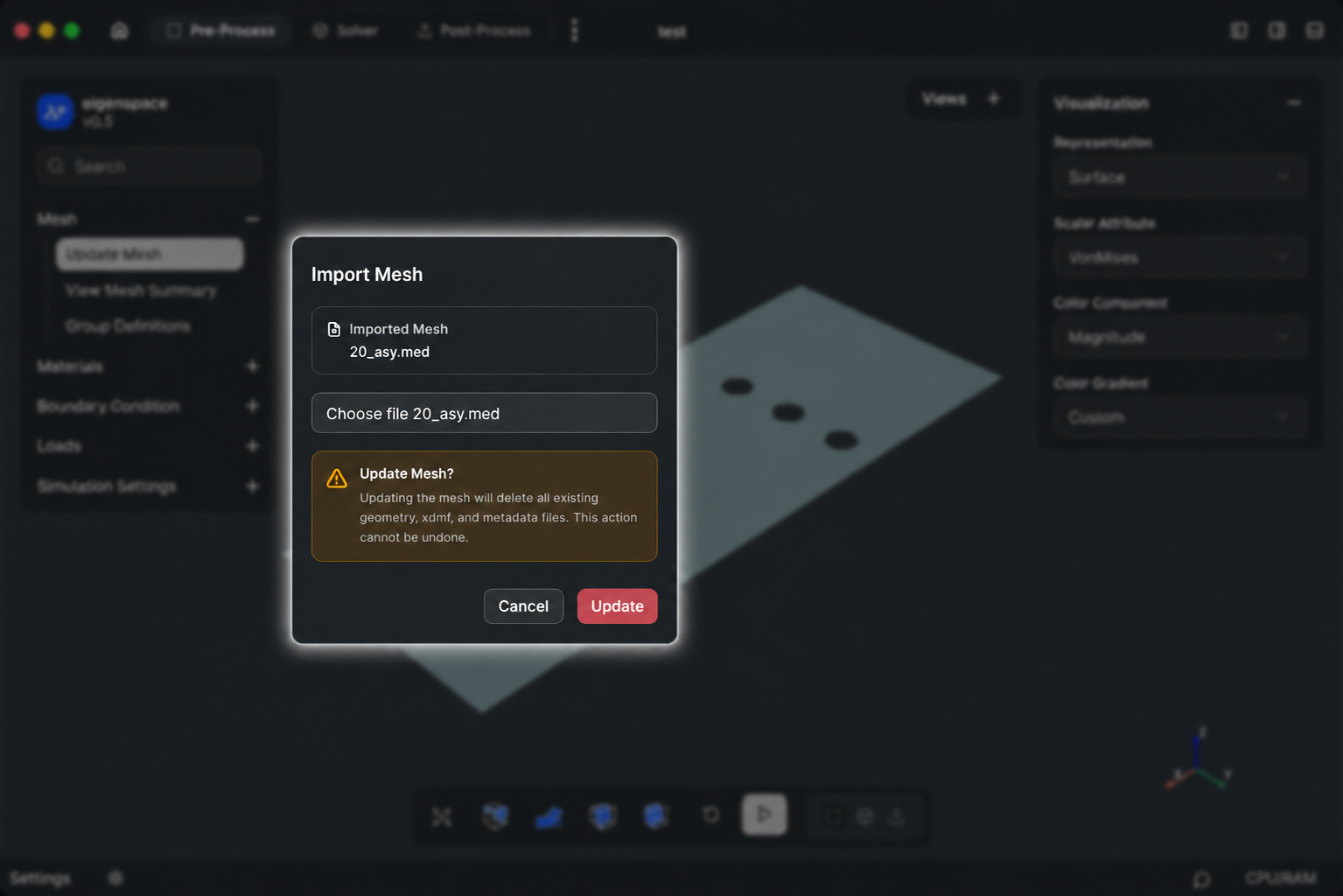
Improved mesh import behavior by prompting for confirmation before replacing an existing mesh, ensuring that users are aware that the previous mesh and its associated files will be removed.
Enhanced the assignment workflow by automatically expanding the Properties panel when a load or boundary condition is assigned, displaying the appropriate configuration fields based on the selected load or boundary condition type.
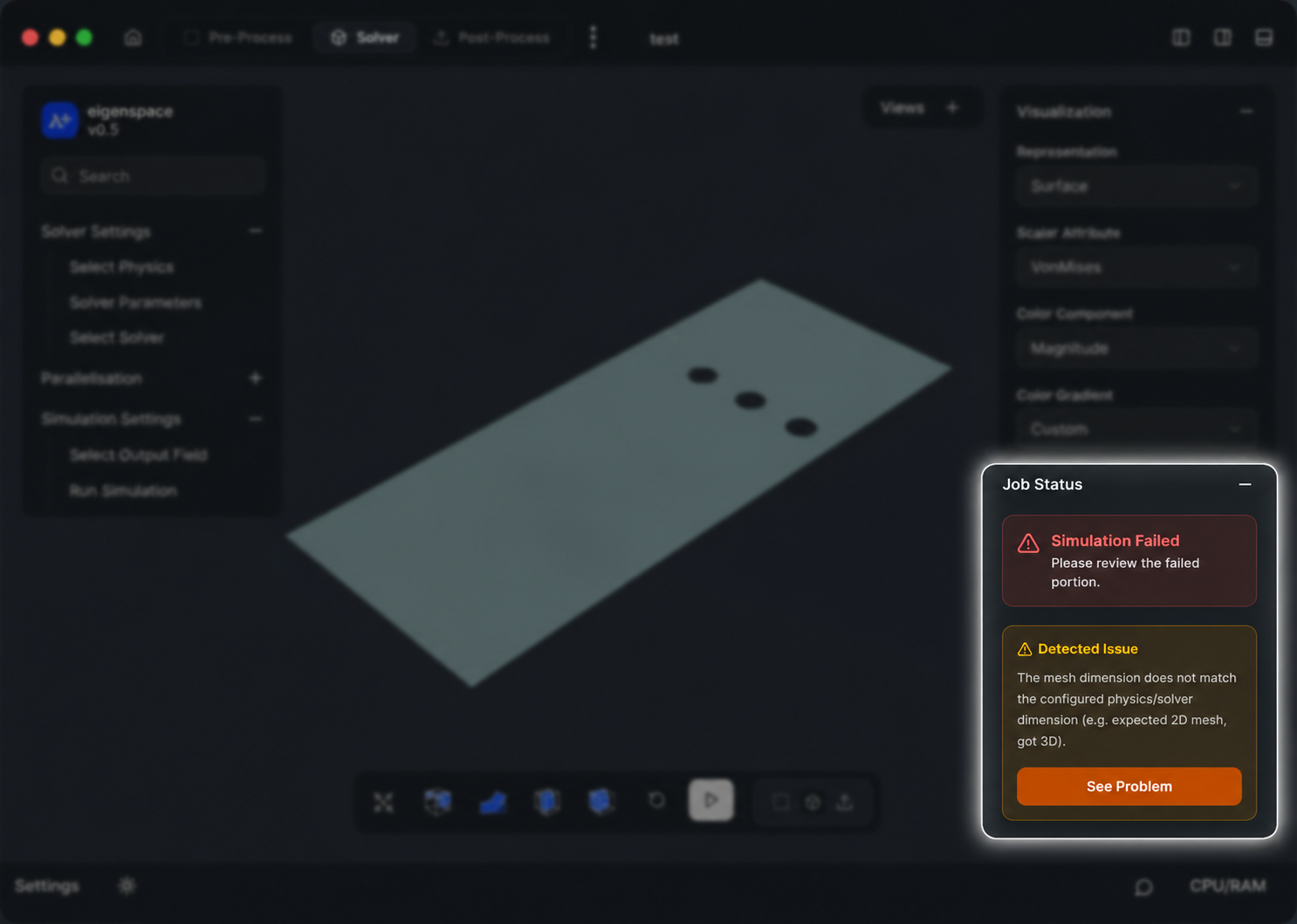
Added a Problems button for failed simulation jobs, allowing users to quickly view failure logs and diagnose simulation issues through a dedicated popover.
Corrected view orientation and representation for the negative coordinate axes (-X, -Y, and -Z) to provide consistent navigation within the 3D viewport.
Improved negative load assignment behavior and added the ability to clear previously assigned load values for easier model editing.
Requested by: Ritesh Barman
Pull Request: #35
Implemented by: Ritesh Barman
July 13th, 2026

The simulation setup workflow has been redesigned to simplify model configuration and improve the overall user experience. Material, boundary condition, and load assignment have been consolidated into a more intuitive workflow, while the interface has been cleaned up and simulation feedback has been made more reliable.
Simplified the simulation setup by removing the separate Define Material, Define Boundary Condition, and Define Load tabs.
Integrated material, boundary condition, and load configuration directly into the Assign Material, Assign Boundary Condition, and Assign Loads workflows.
Added a library of predefined materials, boundary conditions, and loads, with the ability to create custom materials, boundary conditions, and loads when required.
Improved the right sidebar by removing placeholder statistics, including dummy values for CPU cores, expected simulation time, and RAM usage.
Added fallback handling for failed simulation submissions and job execution failures to provide clearer feedback and improve application stability.
Implemented by: Ritesh Barman
July 1st, 2026

This release focuses on improving the overall project management and authentication experience within eigenspacedesign. Several usability issues have been resolved, resulting in a smoother workflow, more reliable authentication, and improved project management capabilities.
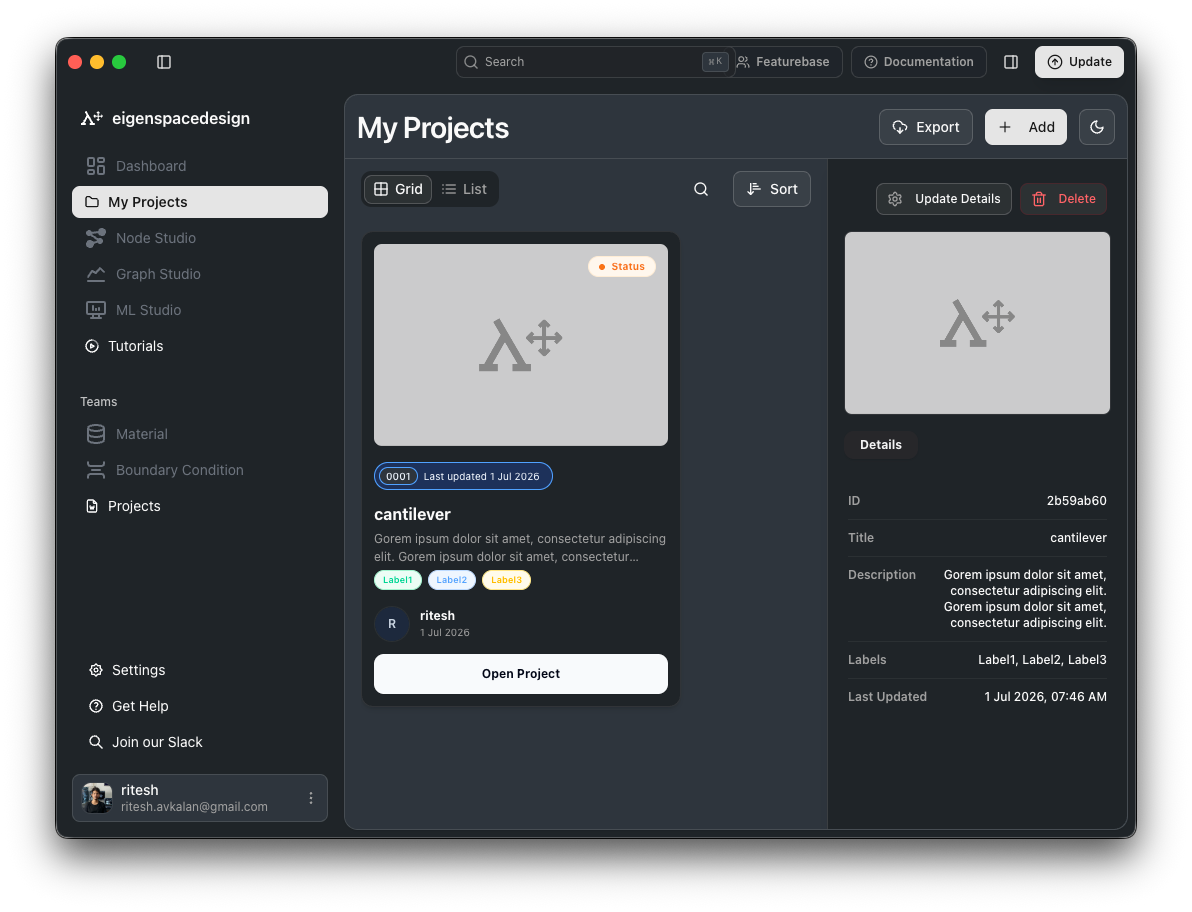
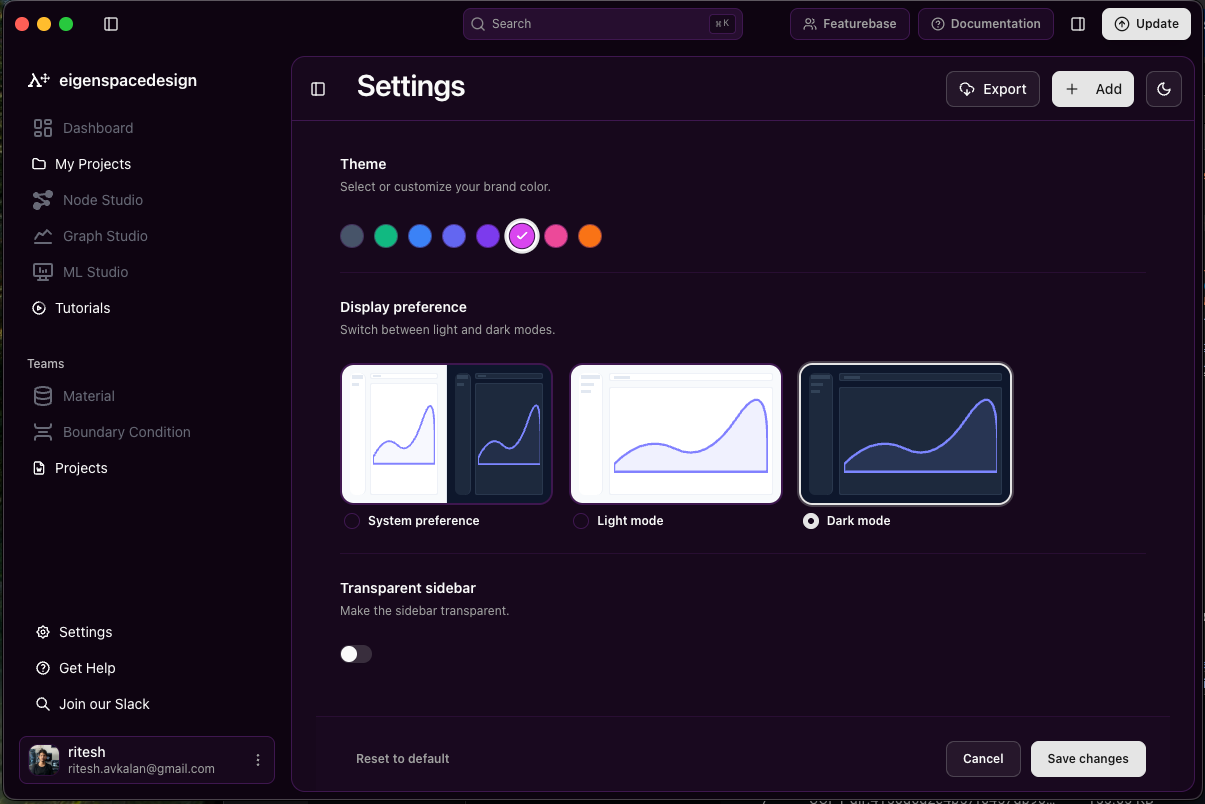
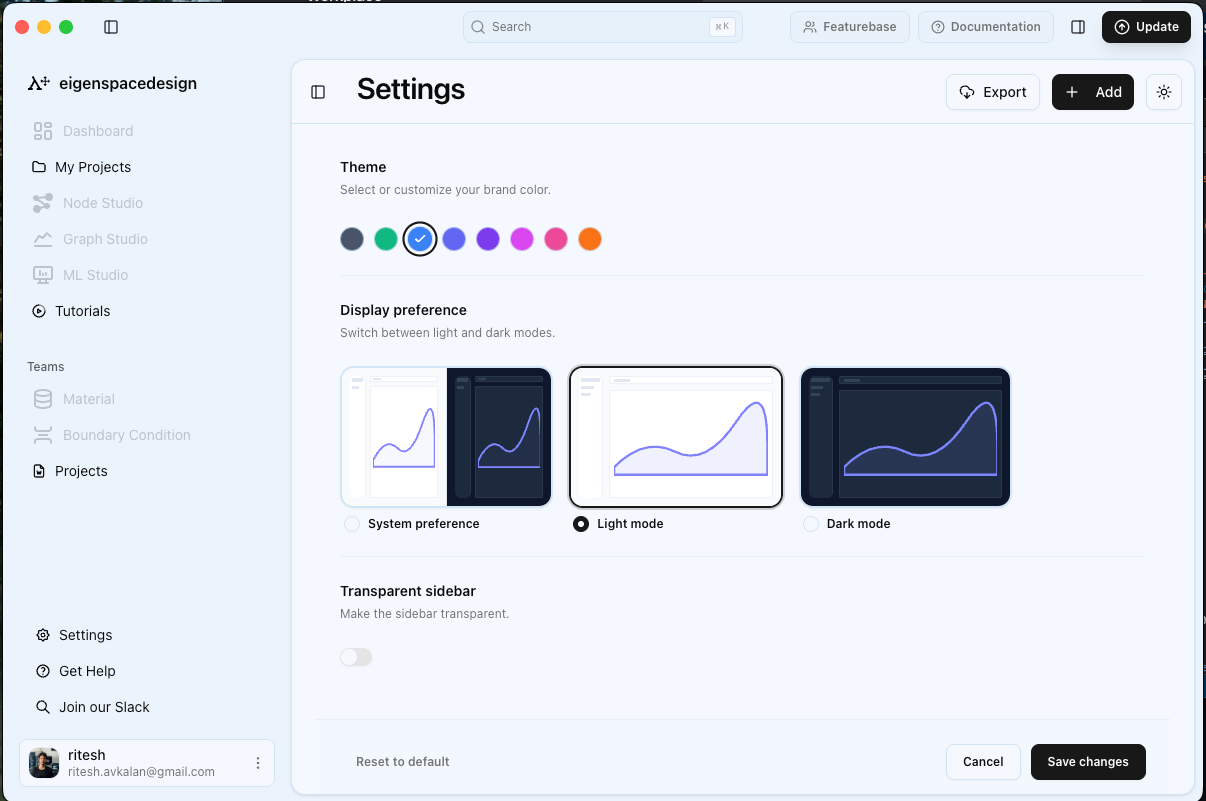
Added profile management functionality within the Settings page.
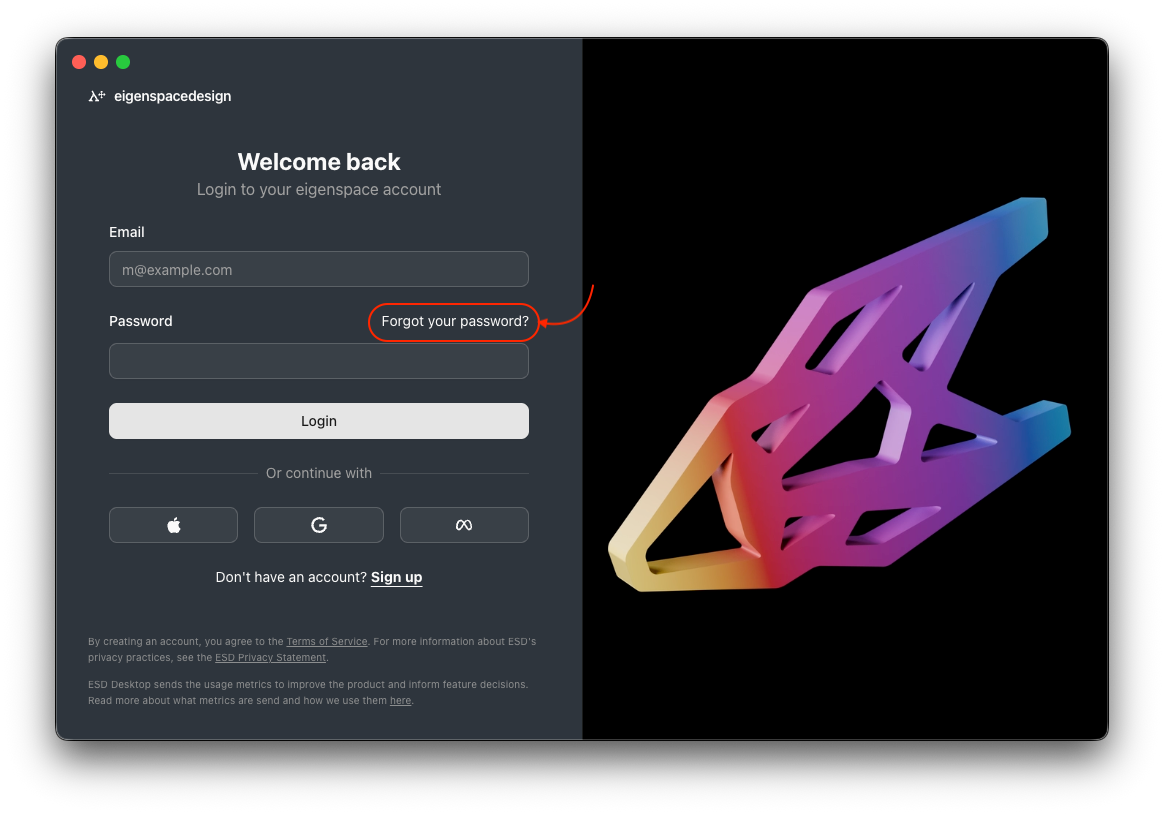
Introduced the Forgot Password workflow to simplify account recovery.

Enabled project editing and management capabilities.
Fixed project update and delete operations.

Improved sidebar navigation and restored button functionality.
Resolved search issues to provide reliable project discovery.
Fixed Google Login authentication errors.
Updated the application title bar to correctly display the project name and version information.
Added Five new themes along with dark mode and light mode


Featurebase Issues: The Log in page does not have Forget password , Settings> profile does not work , The project editing options does not work , Projects and project details are not editable , Search not working , Google Login shows error , My Profile page showing pre-defined details in input fields
Requested by: Community Members
June 29th, 2026
Improved
Fixed

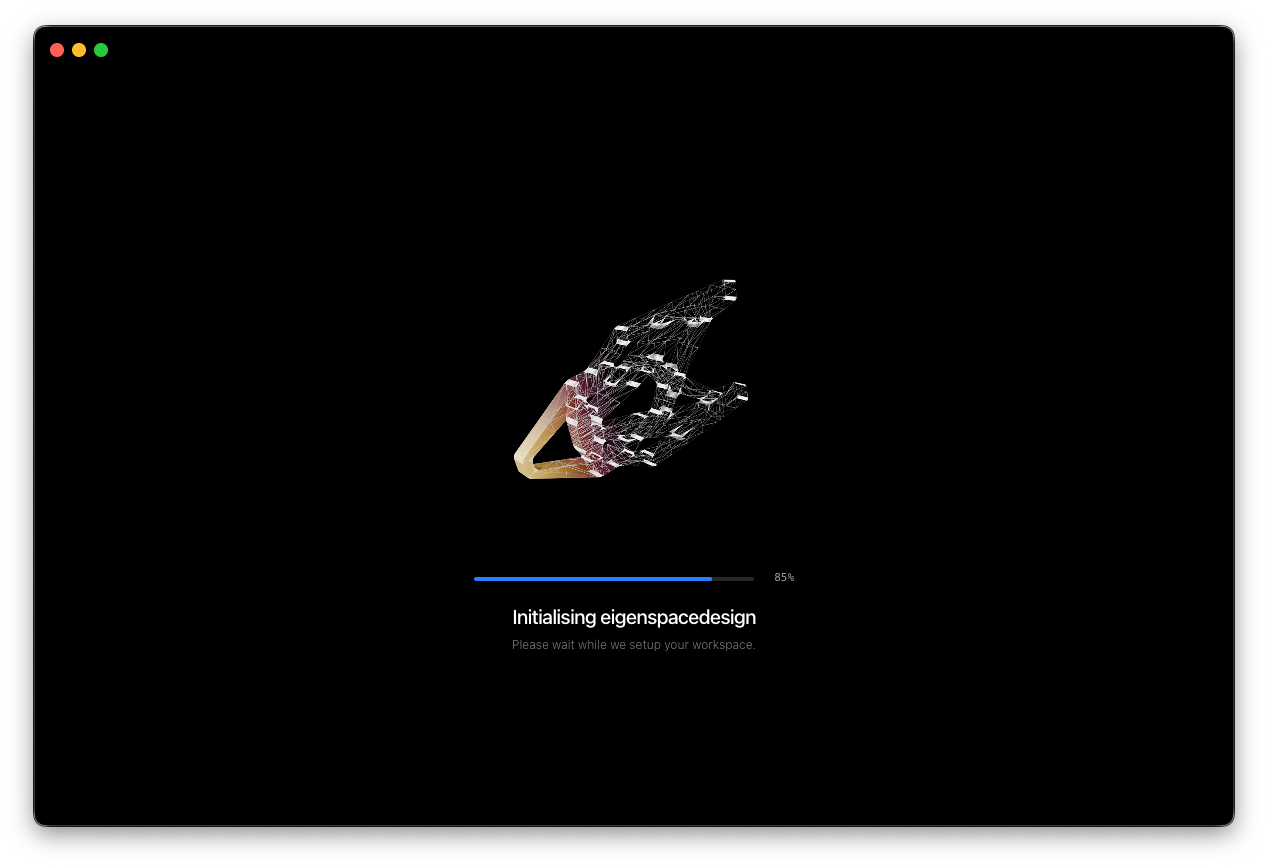
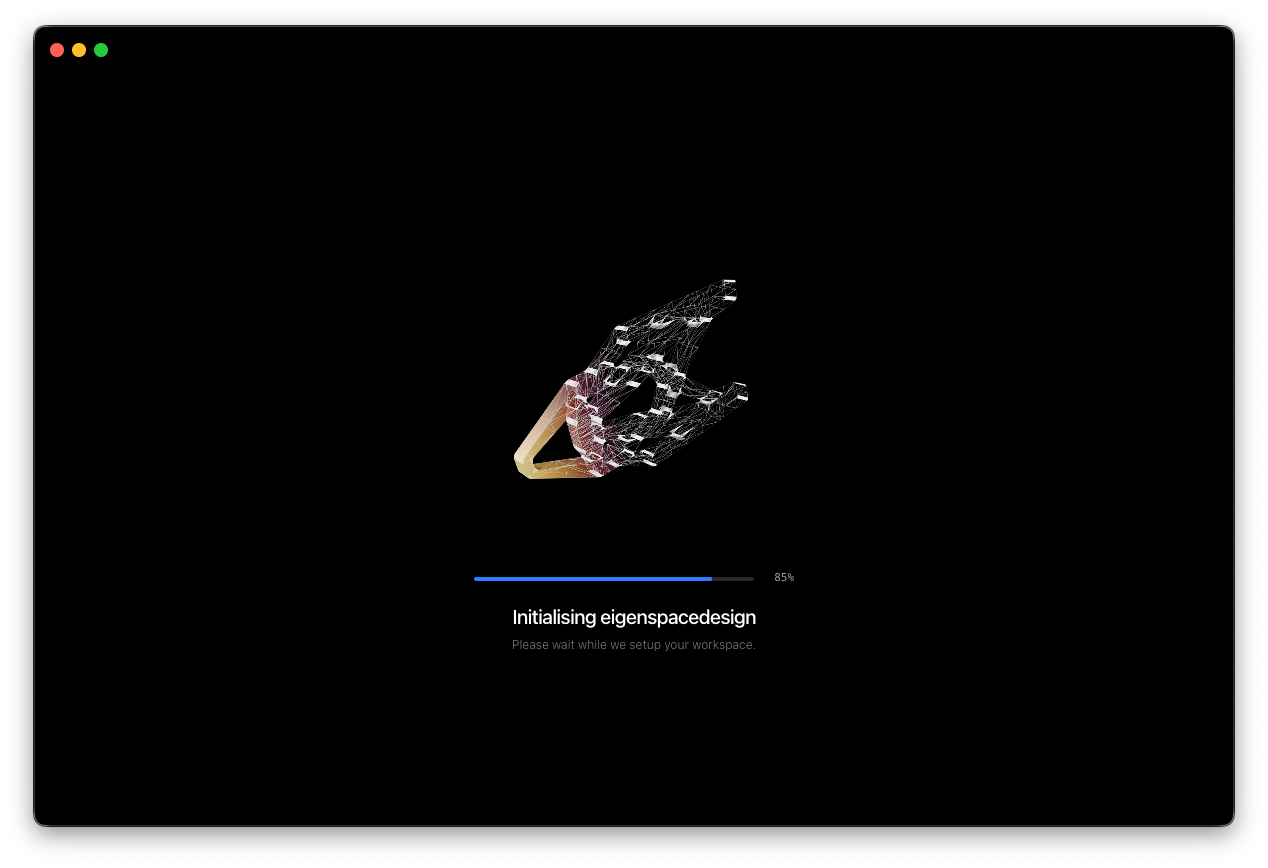
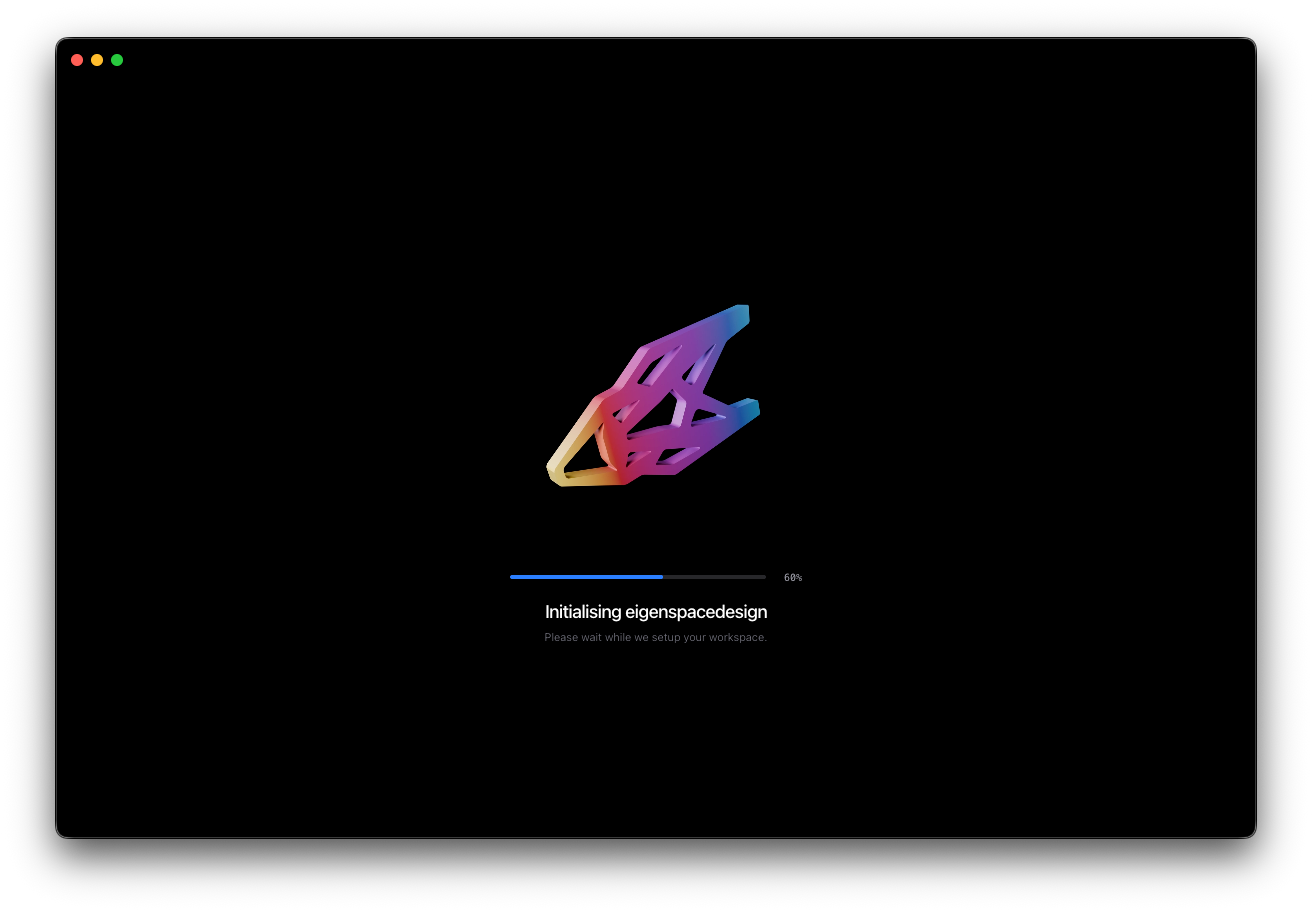
The application startup experience has been redesigned to provide a smoother and more polished onboarding workflow. The loading screen and login interface have been updated to align with the latest design system and deliver a more consistent desktop application experience.
Redesigned the application initialization screen with an improved visual experience.
Finalized the login workflow based on the latest Figma design specifications.
Added native desktop window controls (Close, Minimize, and Maximize) to the initialization and login screens.
Improved consistency between the loading, authentication, and application interfaces.
Enhanced the overall startup flow for a more seamless transition into the application.
Featurebase Issue: Integrate loading screen and login workflow in eigenspacedesign
Requested by: @eigenstudio
June 29th, 2026
Improved

The processing title bar has been redesigned to provide a cleaner interface and quicker access to frequently used actions.
Removed the legacy processing toolbar.
Integrated processing actions into the title bar.
Improved viewport alignment.
Featurebase:- padding in the search bar button for the cmd + K button is not alligned it seems visualy unbalanced
Requested by: @ritesh
Github issue : #11
Commit : 426d026
Release : https://github.com/eigenspacedesign/esd-frontend/releases/tag/v0.2.0
Implemented by: Ritesh Barman
June 29th, 2026
New

We are excited to introduce eigenspacedesign, a Physics AI simulation platform built to help engineers run, manage, and scale engineering simulations more efficiently.
The first version of eigenspacedesign focuses on creating a complete simulation workflow, starting from mesh import and simulation setup to solver execution and post-processing. The platform is being developed to support modern engineering teams that need faster design exploration, better simulation data management, and AI-assisted physics workflows.
This initial release lays the foundation for:
Mesh import and model setup
Load and boundary condition definition
Linear static simulation workflow
Solver execution inside the platform
Basic post-processing and result visualization
Simulation data organization for future AI and ML workflows
Traditional simulation workflows are often fragmented across multiple tools, manual steps, and disconnected data sources. eigenspacedesign aims to bring the complete simulation process into a unified environment where engineers can move from setup to results faster.
Our long-term vision is to turn simulation data into reusable Physics AI models, enabling faster predictions, smarter design decisions, and scalable engineering intelligence.
In upcoming updates, we will continue improving the core simulation workflow and add more capabilities for post-processing, parametric studies, automation, collaboration, and AI-driven simulation acceleration.
This is the first step toward building a Physics AI platform for next-generation engineering simulation.